
When the Standby Light Is On but Nothing Else Happens
You press the power button, but the television does not start. The screen remains black, there is no sound, and the red standby light stays on or begins flashing. The presence of the light shows that some electrical power is reaching the TV, but it does not confirm that every internal component is working. Professional TV Power Board Repair in Dubai may be needed if changing the remote batteries, restarting the television, and checking the power connection do not restore normal operation.
The problem may involve the remote, software, standby circuit, power board, main board, backlight, or another internal component. A television that remains in standby is not always completely damaged. Sometimes, the issue comes from a temporary software freeze or a connected device. In other cases, the TV detects an internal fault and prevents startup to protect its components. In this blog, we will explain what the red standby light means, why the television may not turn on, which checks you can perform safely, and when professional inspection becomes necessary.
What Does the Red Standby Light Mean?
The red light usually indicates that the television is connected to power and waiting for a command to start. When you press the remote or the physical power button, the light may switch off, change colour or blink while the TV begins its startup process. If the light stays red, the television may not be receiving the power command.
If it flashes repeatedly, the TV may be attempting to start but detecting a problem. Standby-light behaviour differs between brands and models. Note whether the light remains steady, flashes continuously or follows a repeated pattern. This information can help during diagnosis, but it should not be treated as proof that a specific component has failed.
The Remote Control Is Not Sending a Power Command
A faulty remote is one of the simplest reasons a television remains in standby. The remote may appear normal even when its batteries are weak, its power button is damaged or its signal is blocked. Start by replacing the batteries and making sure they are installed correctly. Remove any objects positioned between the remote and the television’s sensor. Try the physical power button located on the TV.
Depending on the model, it may be underneath the centre, along the side or behind the lower edge. If the television starts from its physical button, the remote is likely responsible. The remote may need cleaning, resetting or replacement.
The TV Needs a Complete Power Restart
Smart televisions can freeze during shutdown, an application process or a system update. The red light may remain on while the operating system fails to respond to the remote. A complete power restart can clear temporary stored power and reset the startup process:
- Switch the television off if possible
- Disconnect it from the wall socket
- Remove HDMI and USB devices
- Wait for several minutes
- Reconnect only the power cable
- Try the physical power button
Do not repeatedly connect and disconnect the plug within a few seconds. Allow enough time for the television to discharge and complete a fresh startup. If the TV starts normally afterward, reconnect external devices individually to see whether one of them triggers the problem again.
The Wall Socket or Power Connection Is Unstable
A red standby light can sometimes remain visible even when the television is not receiving stable power. A loose plug, damaged power cable or weak extension connection may provide enough electricity for the standby circuit but not enough for full startup. Connect the television directly to a suitable wall socket for testing.
Avoid using an overloaded extension or loose adapter. Inspect the accessible power cable for cuts, crushed sections or a damaged plug. Stop using it if you notice exposed wiring, heat damage or a burning smell. If other devices also switch off or behave irregularly through the same socket, the electrical connection may need separate attention.
A Connected HDMI or USB Device Is Interrupting Startup
Gaming consoles, receivers, streaming devices, and USB drives can sometimes interfere with the television’s startup process. A connected device may send an unexpected control signal or cause the TV to select an inactive input. Disconnect all HDMI and USB devices while the television is unplugged. Restart the TV with only its power cable connected.
If the TV starts normally, reconnect each device one at a time. Check whether the problem returns after connecting a particular cable or device. You may also need to review HDMI control settings, sometimes called device control or automatic power control, depending on the television brand.
The TV Software Has Frozen or Become Corrupted
The operating system controls the television’s applications, settings, inputs, and startup sequence. If the software freezes or becomes corrupted, the red light may respond while the screen remains black.
Software problems may appear after:
- An interrupted system update
- A sudden power interruption
- An application crash
- Storage becoming full
- Repeated freezing or restarting
- The TV being unplugged during installation
A power restart may resolve a temporary error. However, a television that remains completely unresponsive may require software recovery or main-board inspection. Factory resetting is not always possible when the TV will not start. Avoid using unofficial software files or forcing updates intended for another model.
The Power-Supply Board Has Partially Failed
The power-supply board converts electricity from the wall socket into the different voltages required by the backlight, main board, sound system, and display components. A partial failure may provide standby power but fail to supply enough electricity for full startup. The red light remains visible because the standby circuit is working, while the rest of the TV cannot activate.
Possible power-board symptoms include:
- Repeated clicking during startup
- The red light switching off and returning
- The television starting after several attempts
- The screen flashing briefly
- A delayed startup
- The TV shutting down immediately
Professional TV Repair in Dubai should include power-output testing before the power board or any other major component is replaced.
The Main Board Is Not Completing Startup
The main board acts as the television’s central control system. It receives the power command, loads the operating software, and communicates with the display, sound, and input systems. A main-board fault can leave the TV trapped in standby. The red light may respond when you press the remote, but the television does not complete startup.
Before complete failure, you may notice slow menus, failed applications, lost HDMI inputs, Wi-Fi problems, or repeated restarting. Technicians may inspect the board’s power input, storage, processing components, and communication with other parts. Some main-board problems involve software, while others require component or board replacement.
The Backlight Has Failed and Makes the TV Look Off
Sometimes, the television turns on but appears completely inactive because the LED backlight has failed. Sound may begin after startup, and the standby light may change, but the screen remains black. In a dark room, a faint image may sometimes be visible when light falls gently across the screen.
This can indicate that the display panel is creating an image without illumination. Backlight strips and their power circuit require careful testing. Replacing them involves removing the display panel, which is thin and easily damaged. The television should not be opened without the correct tools and experience.
The TV Has Entered Protection Mode
Televisions may prevent startup when an internal system detects abnormal voltage, overheating or a short circuit. This protective behaviour can prevent further damage. The standby light may flash, the screen may briefly illuminate or the television may repeatedly attempt to start.
Protection mode can be triggered by:
- A power-board fault
- A damaged backlight circuit
- A shorted internal component
- Overheating
- Moisture inside the television
- A main-board problem
Repeatedly pressing the power button will not resolve an internal electrical fault. Leave the TV switched off until it can be inspected.
Internal Heat or Dust Is Affecting Operation
Televisions need adequate airflow to release heat. Blocked ventilation openings can cause internal components to operate at higher temperatures and eventually become unstable. A heat-related problem may cause the TV to shut down during use and refuse to restart until it cools. Over time, it may stop turning on completely.
Check whether the television is installed too close to the wall or surrounded by devices that produce heat. Keep its ventilation openings clear, but do not insert tools or spray cleaning products into them. Heavy internal dust should be removed professionally because opening the rear panel exposes electrical components.
What Can You Check Safely at Home?
Before arranging repair, complete a few safe checks:
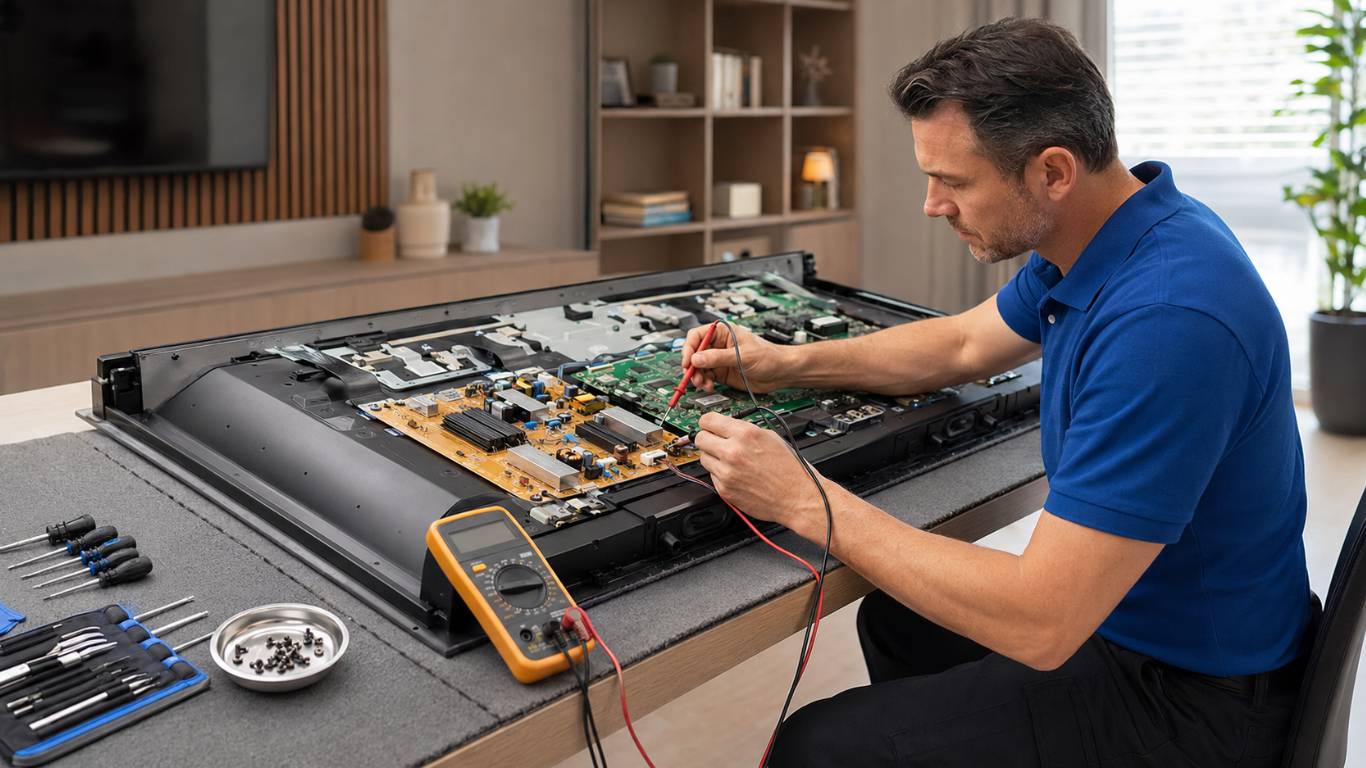
Do not remove the rear cover, touch the internal power board or attempt to test capacitors. Television components may retain an electrical charge after the unit is unplugged.
When Should You Stop Trying to Restart the TV?
Disconnect the television and stop attempting to power it on if you notice a burning smell, smoke, sparks, loud buzzing or excessive heat. The television should also remain disconnected if liquid enters the unit, the circuit breaker trips or the power cable is visibly damaged. Repeated startup attempts can worsen a power-board, backlight or main-board fault. If the TV clicks, flashes and immediately returns to standby, arrange an inspection instead of continuing to restart it.
How Does a Technician Diagnose the Problem?
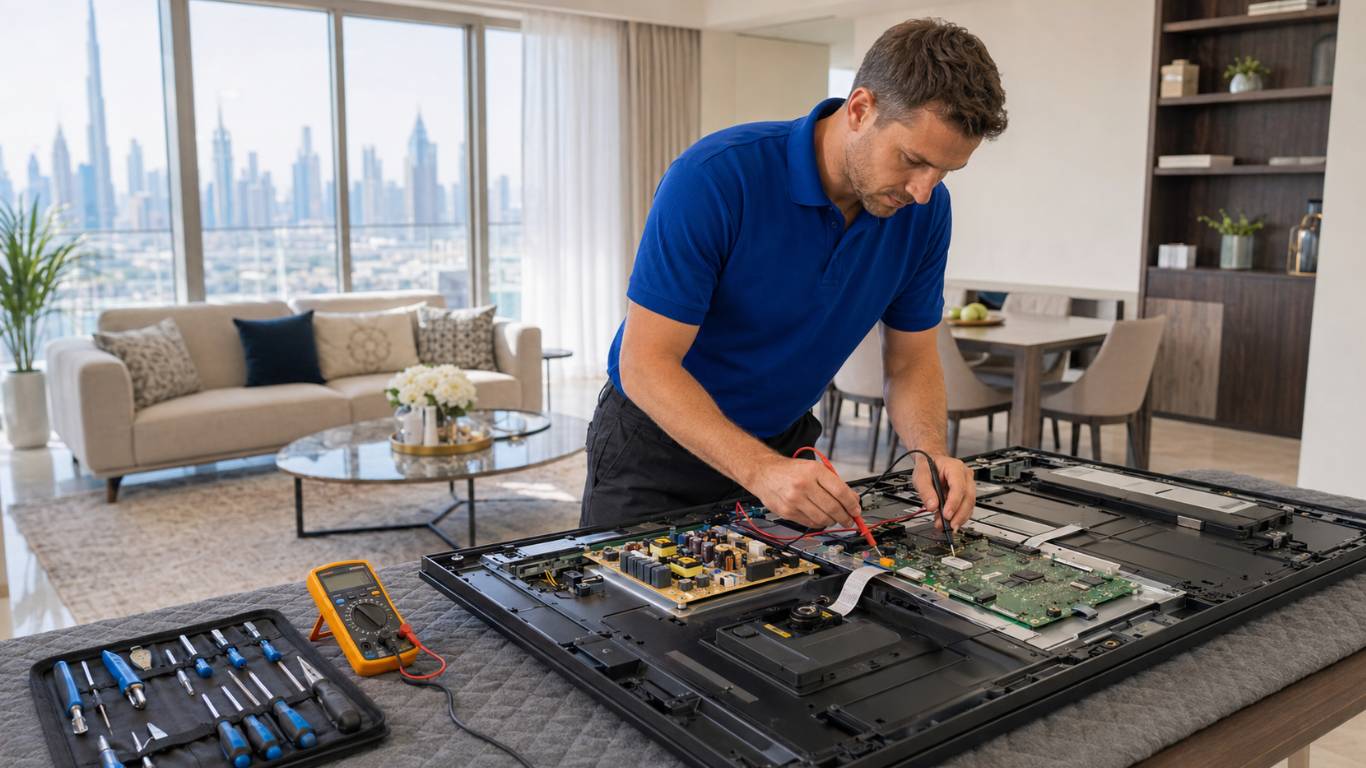
Diagnosis normally begins with the external power connection, remote response and standby-light behaviour. The technician then checks whether the television receives the correct startup command.
Depending on the symptoms, the inspection may include:
- Testing the power-supply output
- Checking the standby and startup voltages
- Inspecting the main board
- Testing the backlight circuit
- Checking internal cables and connectors
- Examining software operation
- Looking for overheating or moisture
- Assessing the display panel
A structured inspection helps identify whether the problem is a smaller external fault or an internal component failure.
Can a TV Stuck in Standby Be Repaired?
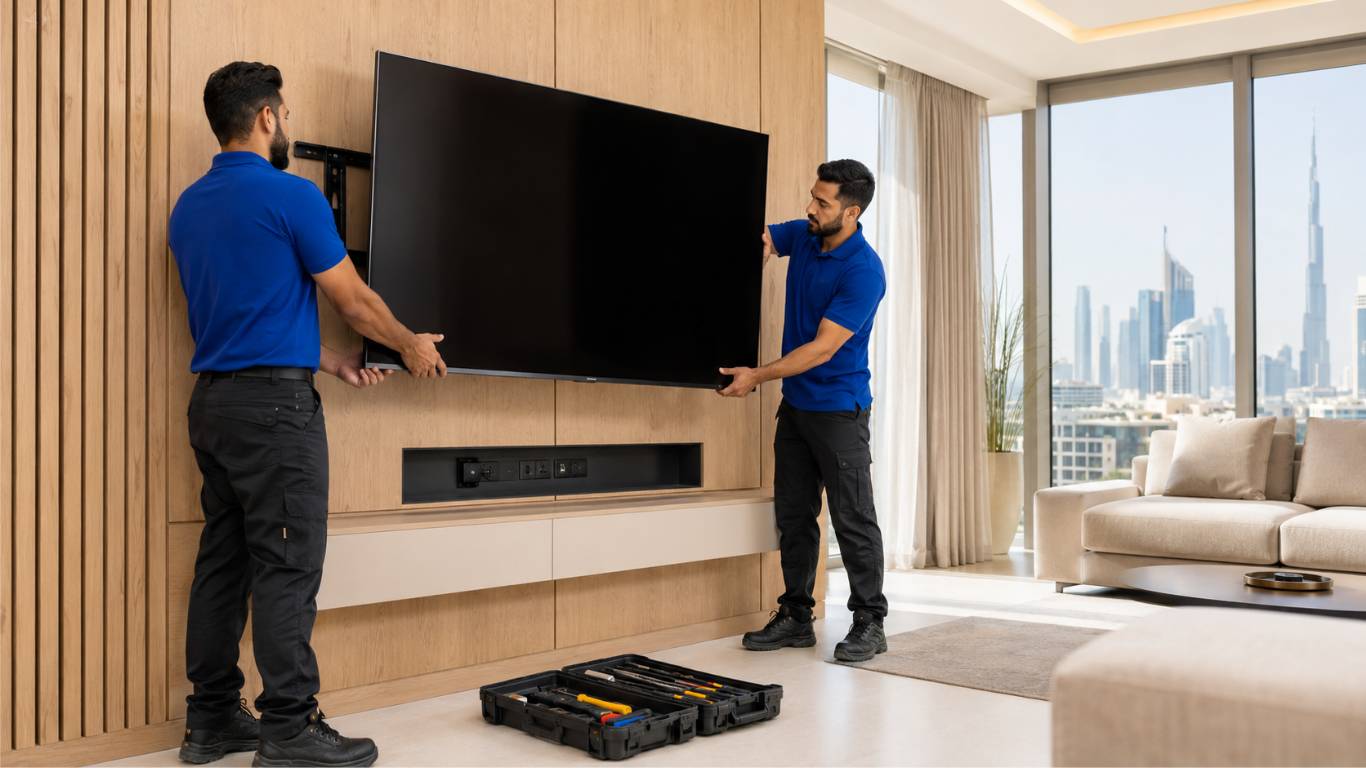
Many standby problems can be repaired when the cause is a remote, connection, power board, main board or backlight component. The repair decision depends on the failed part, television age, screen size and availability of suitable components. If the display panel is undamaged, repairing a board or backlight problem may be more practical than replacing the television. Severe liquid or electrical damage can make the decision more complicated. Ask for a clear diagnosis and estimated cost before approving major work. The presence of a red light alone cannot determine which part requires repair.
Restore Your Television With Proper Diagnosis
A TV that remains in standby may have a remote, connection, software, power board, main board, backlight, or protection-circuit problem. Start with safe checks, including replacing the remote batteries, disconnecting external devices, and completing a proper power restart.
If the red light remains on and the television does not start, avoid opening it or attempting electrical repairs. AtoZ Appliances Repair provides Same-Day Appliance Repair in Dubai for residential and commercial customers. Professional diagnosis can identify the failed component and determine the most suitable repair option.