
When Lines Begin to Interrupt the Picture
Vertical or horizontal lines can make an otherwise working television difficult to watch. The lines may be thin or wide, coloured or black, permanent or intermittent. Some appear across the entire display, while others affect only one side of the screen. Professional TV Screen Line Repair in Dubai may be required when restarting the television, checking the source, and reconnecting external devices do not remove the lines.
The problem can involve an HDMI cable, software setting, T-Con board, ribbon connection, or the display panel itself. Screen lines do not always mean that the television is beyond repair. Cable, connection, and internal-board problems may be repairable, while physical panel damage can be more difficult and expensive to resolve. In this blog, we will explain why vertical and horizontal lines appear on television screens, the checks you can perform safely, and how technicians determine whether repair or replacement is the better option.
What Do Different Screen Lines Indicate?
The appearance and behaviour of the lines can provide useful clues about the possible cause. Common patterns include:
- A single permanent vertical line
- Several coloured lines across one side
- Horizontal bands that appear and disappear
- Lines visible only on one HDMI device
- Half of the screen becoming lined or distorted
- Lines appearing after the TV becomes warm
- Black areas spreading from an impact point
A line that appears only on one external device may be caused by the cable or signal. Lines visible across menus, applications and every input are more likely to involve the television’s internal display system.
The HDMI Cable Is Loose or Damaged
A poor HDMI connection can create lines, flickering, static and colour distortion. The problem may appear only when using a receiver, gaming console, computer or streaming device. Switch off both the TV and connected equipment before reconnecting the cable. Make sure the plugs fit securely and inspect the cable for sharp bends or visible damage.
Try another HDMI cable and test a different port. If the lines disappear, the original cable or port was likely responsible. When built-in applications and the TV menu display correctly, an internal screen fault is less likely. Focus first on the external device, video settings and cable connection.
The External Device Is Sending an Incorrect Signal
A connected device may be set to a resolution or refresh rate that the television does not process correctly. This can create horizontal lines, unstable movement or a distorted picture.
Set the external device to an automatic or television-supported display mode. Restart both devices after making the adjustment.
You can identify a source-related problem by testing:
- The TV’s built-in menu
- Regular television channels
- Built-in streaming applications
- Another HDMI-connected device
- The same device on a different television
If the lines appear only through one source, the television panel may be working normally.
A Temporary Software Problem Has Occurred
Smart TVs use software to control picture processing, applications, and connected inputs. A temporary system error may create lines or other display problems. Perform a controlled restart by switching the television off, disconnecting it from the socket and waiting several minutes before reconnecting it. Remove HDMI and USB devices during the restart.
If the picture returns to normal, test each connected device separately. Check whether the lines reappear when opening a specific application or selecting a certain input. A factory reset should only be considered after simpler checks because it can remove accounts, applications, Wi-Fi details and customised settings.
The Picture Settings Are Incorrect
Sharpness, motion processing, aspect ratio and other picture settings can sometimes create visible distortion. This is more likely when the problem affects certain content rather than every image. Restore the picture mode to its standard or default setting.
Turn off additional image-processing features temporarily and observe whether the lines disappear. If the TV menu itself contains permanent lines, picture settings are unlikely to be the main cause. The internal boards, cables and panel may require inspection.
The T-Con Board Is Faulty
The timing control board, commonly called the T-Con board, controls how picture information reaches the display panel. A T-Con fault can create vertical lines, horizontal bands, incorrect colours or a picture on only one side of the screen. The symptoms may change as the television becomes warm. Lines can appear after several minutes of operation or disappear temporarily after the TV is restarted.
A technician may test the board’s voltage, connections and response before recommending replacement. Similar symptoms can be caused by ribbon cables and the panel, so visual inspection alone is not enough. Professional LED TV Repair Services in Dubai can determine whether the lines come from the T-Con board, video-processing system or display itself.
An Internal Ribbon Cable Is Loose
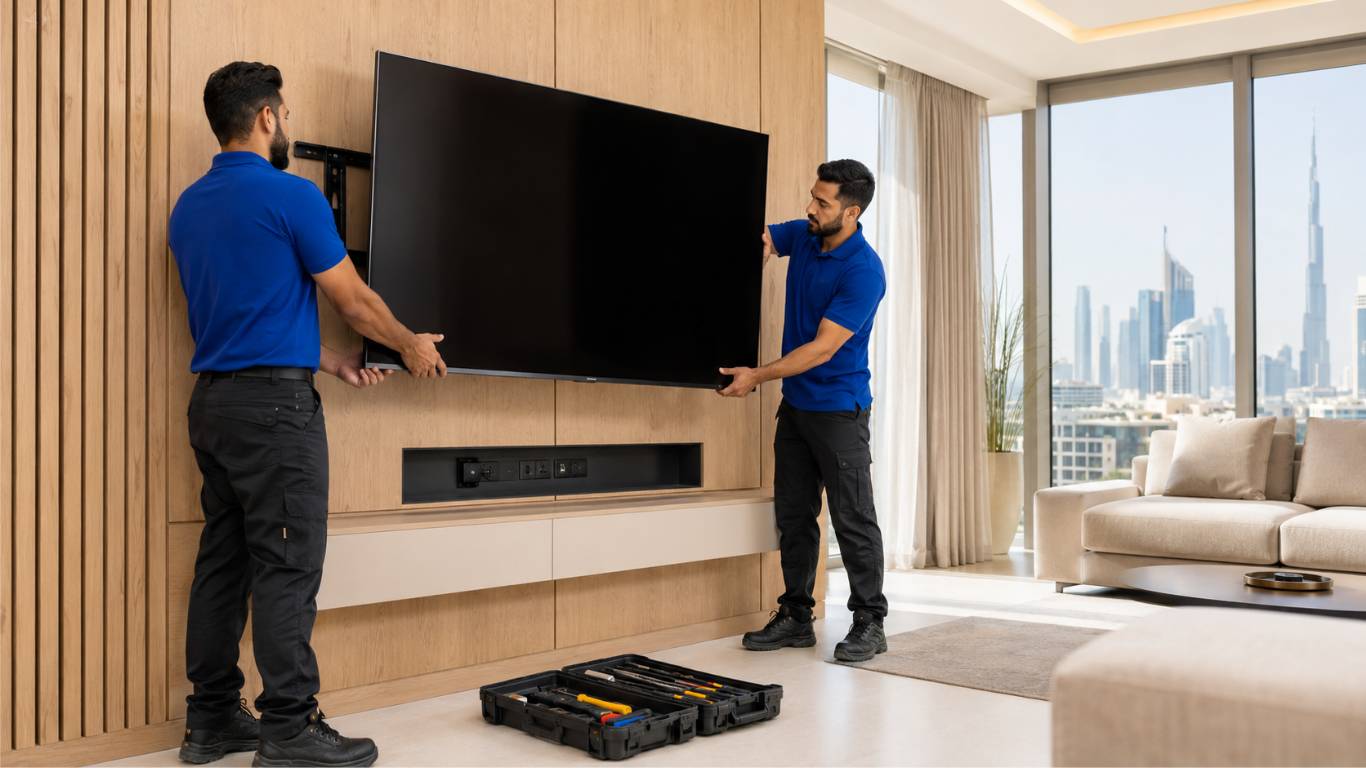
Flat ribbon cables transfer picture information between the T-Con board and display panel. A loose, damaged or corroded cable can create permanent or intermittent lines. The problem may begin after the television has been moved, transported or wall-mounted. Moisture and heat can also affect delicate internal connections.
Possible ribbon-cable symptoms include:
- Lines appearing on only one side
- Half of the picture becoming distorted
- Colours changing unexpectedly
- Lines appearing and disappearing
- The image reacting when the television warms up
Do not press the television frame or screen in an attempt to restore the connection. Pressure can damage the panel and make the problem worse.
The Main Board Is Not Processing Video Correctly
The main board processes video signals from applications, channels and connected devices. If it develops a fault, it may send incorrect information to the display system. Main-board problems can produce lines alongside other symptoms such as freezing, slow operation, lost HDMI inputs, application failures and repeated restarting.
Because the main board also controls multiple Smart TV functions, diagnosis should include testing different sources. A screen problem visible only through one input may be related to a damaged port rather than the complete board.
The Display Panel Has an Internal Fault
The display panel contains a large number of rows and columns responsible for producing the picture. Damage to one section can create permanent vertical or horizontal lines. Panel-related lines usually remain visible across every source, including the TV menu. They may be black, white, green, red, blue or a combination of colours.
Internal panel faults may develop without a visible external crack. However, impact damage commonly creates lines, black patches and spreading discolouration. Panel replacement can be expensive, so the T-Con board, cables and power supply should be tested before the panel is declared faulty.
The Television Has Physical or Moisture Damage
A television screen can develop lines after impact, pressure or improper handling. Even if the outer surface does not appear badly cracked, the internal display layers may be damaged. Moisture can also affect the screen connections and internal boards. This may happen when liquid cleaner is sprayed directly onto the display and runs into the frame.
Warning signs of physical or moisture damage include:
- Lines spreading from one point
- Black or coloured patches
- A visible crack beneath the outer surface
- Flickering after cleaning
- Corrosion around internal connections
- Part of the screen remaining completely dark
Switch the television off if liquid may have entered it. Do not reconnect the power until the unit has been inspected.
Heat or Electrical Problems Are Affecting the Display
Internal heat can cause boards and connections to behave inconsistently. Lines may appear only after the television has operated for a certain period and disappear after it cools down. Check that the ventilation openings are not covered and that the television has enough space around it.
Do not install heat-producing devices directly beneath the TV. Unstable power, damaged sockets and power-board faults can also affect the picture. If the screen lines appear alongside clicking, repeated restarting or a burning smell, stop using the television.
What Can You Check Safely at Home?
Before arranging repair, complete a few basic checks without opening the television:
Take a photograph or short video of intermittent lines. This can help the technician understand the problem if the screen behaves normally during inspection.
When Should You Stop Using the TV?
Switch the television off if the lines are accompanied by smoke, a burning smell, unusual heat, loud buzzing or repeated electrical clicking. The TV should also remain disconnected if it has been exposed to liquid or suffered a strong impact. Continued operation may cause further damage to the panel, power supply or internal boards. A single line that remains unchanged may not require immediate shutdown, but it should still be inspected if it begins spreading or affecting the picture.
How Does a Technician Diagnose Screen Lines?
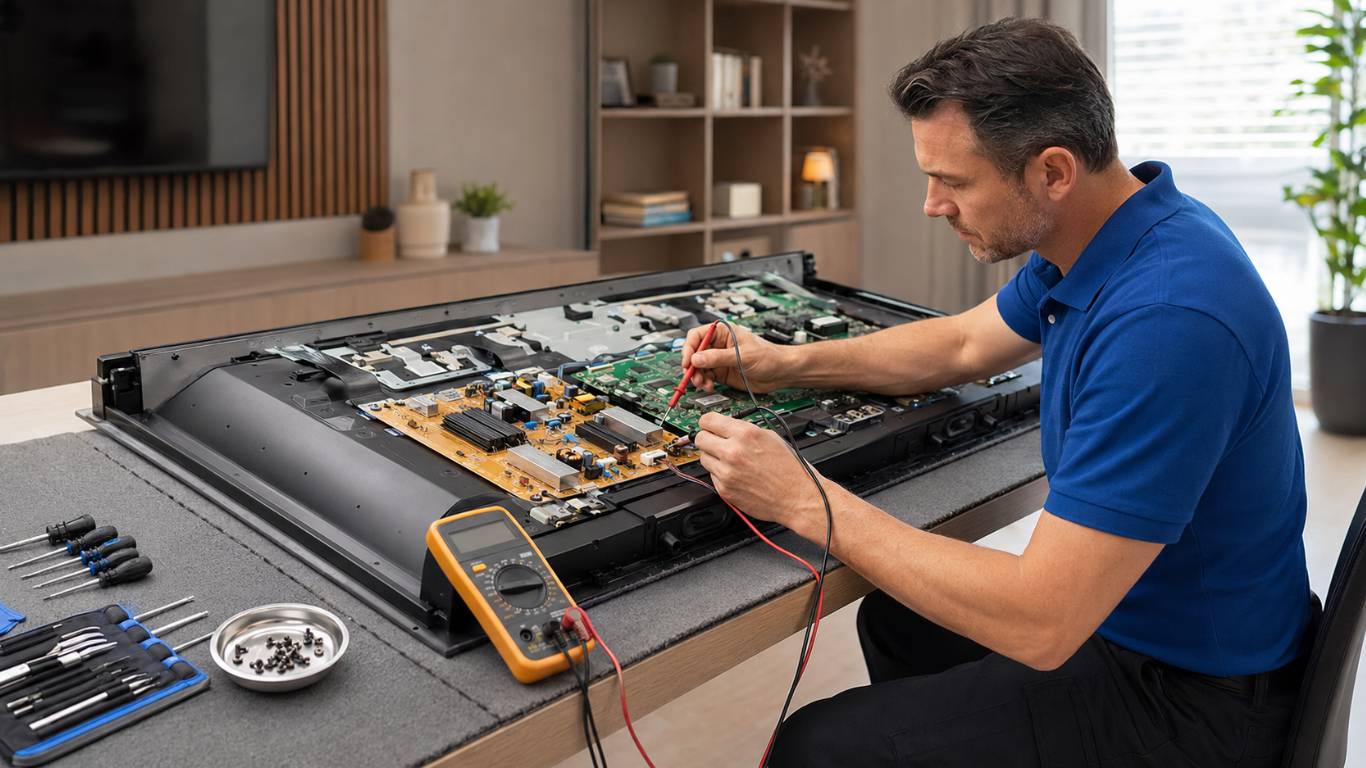
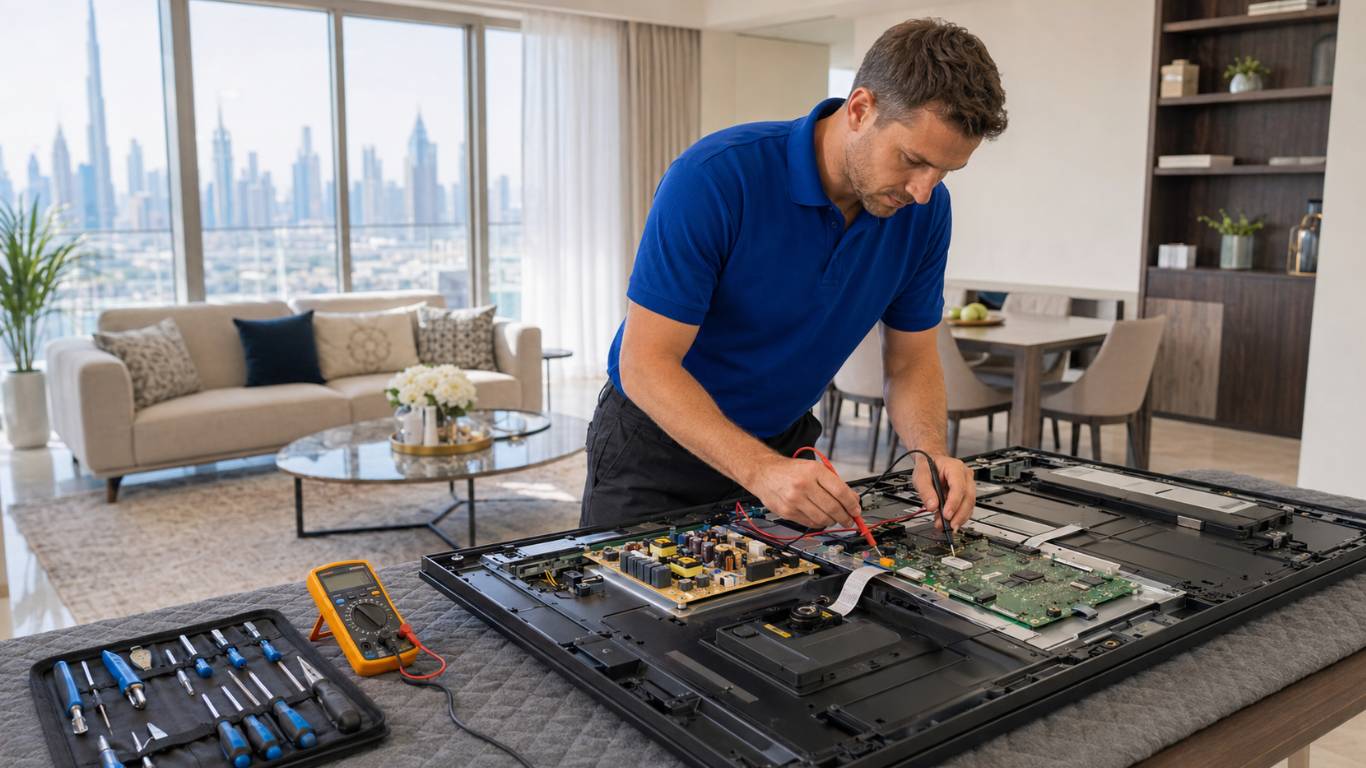
The technician should begin by checking whether the lines appear across all sources. External devices and cables can then be eliminated before the internal display system is tested.
The inspection may include:
- Testing HDMI connections
- Checking picture and software settings
- Inspecting the T-Con board
- Testing the main board
- Examining ribbon cables
- Measuring power-supply outputs
- Checking for moisture or heat damage
- Assessing the display panel
This process helps determine whether a smaller replaceable component is responsible or whether the panel itself has failed.
Should You Repair or Replace the Television?
Cable, software, T-Con board and main-board problems may be practical to repair. The television’s age, size and overall condition should still be considered. Panel faults require more careful cost comparison. Because the display is a major part of the television’s value, replacement may not always be economical.
Ask for a clear diagnosis and repair estimate before deciding. Do not assume that every line means the screen needs replacement, but also avoid approving expensive work without understanding the panel’s condition.
Get a Clear Diagnosis Before Replacing Your TV
Vertical and horizontal lines can result from cables, input settings, software, internal boards, ribbon connections or display-panel damage. Begin with safe checks and determine whether the problem affects every source. If the lines remain visible, avoid pressing the screen or opening the television.
AtoZ Appliances Repair provides Reliable Appliance Repair in Dubai for homes, offices and commercial properties. Professional diagnosis can identify the failed component and help you decide whether repair or replacement offers better value.