
When the Sound Works but the Screen Stays Dark
You switch on your television and hear the usual startup sound. A channel, streaming application or connected device begins playing, and the volume responds normally to the remote. However, the screen remains completely black. If basic settings and connection checks do not restore the picture, professional TV Screen Repair in Dubai may be needed to identify whether the problem involves the backlight, display system, or an internal electronic component.
A dark screen does not automatically mean that the television is completely damaged. The audio and picture systems depend on different components, which means sound can continue even when the part responsible for producing or illuminating the image develops a fault. In this blog, we will explain why a TV can produce sound without a picture, the checks you can perform safely, how technicians diagnose the problem, and when repairing the television may be more practical than replacing it.
How Can a TV Produce Sound Without a Picture?
Modern televisions contain several systems that work together. The main board receives information from applications, channels and connected devices. The T-Con board manages picture information, while the display panel creates the visible image.
LED televisions also use backlight strips to illuminate that image. The audio system can continue operating even when one of these picture-related components stops working. This is why you may still hear menu sounds, programmes and volume changes while seeing only a black screen.
The Wrong Input Source Is Selected
Before assuming the TV has an internal fault, confirm that the correct input source is selected. The television may be set to an unused HDMI port or another source that is not providing a video signal. Use the input or source button on the remote and move through the available options.
Test regular channels, built-in streaming applications and every connected device. If the TV menu appears normally but one HDMI device has no picture, the problem is more likely related to that device, input or cable.
An HDMI Cable Is Loose or Damaged
A damaged or poorly connected HDMI cable can interrupt the video signal. In some cases, audio continues playing while the picture disappears, flickers or becomes distorted. Switch off the TV and external device before reconnecting the cable. Make sure both ends fit securely. If the problem continues, try another HDMI port or use a different cable.
The connected device or cable may be responsible when:
- Only one HDMI source has no picture
- Built-in TV applications work normally
- The television menu remains visible
- Another cable restores the image
- A different connected device displays correctly
Avoid forcing a cable into a loose or damaged port. A broken HDMI connection may require internal port or main-board repair.
A Screen-Off or Audio-Only Setting Is Active
Some smart televisions include screen-off or audio-only features. These settings allow users to listen to music or other content without keeping the display illuminated. Press the menu or settings button and check whether anything appears. If the menu is visible, inspect the brightness, picture, backlight and energy-saving settings.
Restore the picture settings to their default values before performing a complete factory reset. A factory reset may remove Wi-Fi information, saved applications, account details and customised settings. If the television menu does not appear, the problem is more likely related to the display, backlight or an internal board.
The Smart TV Software Has Frozen
Smart TVs use operating systems to manage applications, inputs, settings, and internet features. A temporary software error can cause the picture to freeze or disappear while sound continues. Perform a controlled restart:
- Switch off the television.
- Disconnect it from the power socket.
- Wait for several minutes.
- Remove HDMI and USB devices.
- Reconnect the power and restart the TV.
If the picture returns, check whether the problem occurs only with a particular application. The application or TV software may need updating. Recurring black screens, freezing, and automatic restarting can indicate a software, storage, or main-board issue that requires further inspection.
The LED Backlight Has Failed
Backlight failure is one of the most common reasons an LED television produces sound without displaying a visible picture. The panel may still be creating an image, but the failed backlights cannot illuminate it. Before the screen becomes completely dark, you may notice reduced brightness, uneven dark sections, a brief flash during startup or a blue tint across the display. In a dark room, a very faint image may sometimes be visible on the screen.
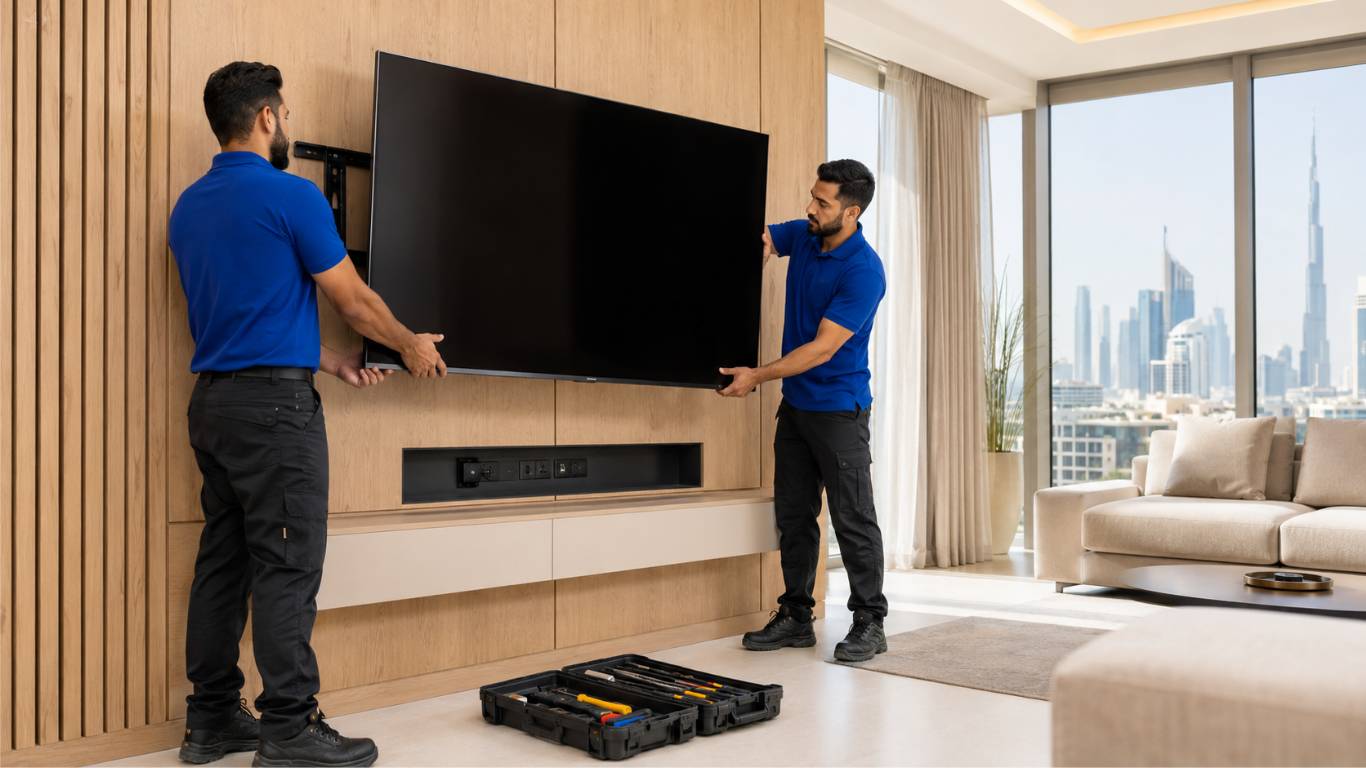
This suggests that the panel is producing a picture but the lighting behind it has stopped working. Backlight strips can fail because of heat, age, electrical stress or individual LED damage. Replacing them requires careful removal of the screen and its internal layers. Since television panels are thin and easily damaged, this work should be handled by an experienced technician. Professional TV Repair Services in Dubai can test the backlight and its power supply before deciding whether the LED strips require replacement.
The Display Panel Has Failed
The display panel is the main screen assembly and usually one of the television’s most valuable components. Panel failure may cause a black screen, permanent lines, dark sections, coloured marks, or no visible image. Physical panel damage is often visible as a crack, impact point or spreading black area. However, internal panel faults can occur without obvious damage on the outer surface.
A technician should test the backlight, power supply, T-Con board and internal connections before recommending panel replacement. A smaller and more affordable component fault can sometimes be mistaken for complete screen failure.
What Can You Check Safely at Home?
A few basic checks can help determine whether the issue is connected to an external device, incorrect settings, or an internal fault:
- Press the menu button and check whether settings appear.
- Confirm that the correct input source is selected.
- Test regular channels and built-in applications.
- Reconnect HDMI cables after switching everything off.
- Try another HDMI cable or input port.
- Disconnect external devices and restart the television.
- Look for visible cracks, dark patches or flashing.
- Check whether the standby light responds to the remote.
Do not press the screen, remove the rear cover or attempt to test internal boards. Opening the television without suitable knowledge can expose electrical components and damage the display.
The T-Con Board Has Developed a Fault
The timing control board, commonly known as the T-Con board, sends picture information to the display panel. If it develops a fault, the television may show a black screen, white screen, distorted colours or horizontal and vertical lines.
You may also notice that only half of the screen displays an image or that the picture disappears after the television has been running for some time. These symptoms can also result from ribbon-cable or panel problems. The board and its connections should be tested before any part is replaced.
When Should You Stop Using the Television?
Switch off and disconnect the television if you notice a burning smell, smoke, sparks, repeated clicking, or unusual heat from the rear panel. Continued operation could worsen an electrical or heat-related problem. The TV should also remain switched off if liquid entered the unit, the screen was damaged by impact, or the circuit breaker trips whenever the television is connected. Avoid repeatedly restarting a TV that flashes, clicks and immediately switches off. This behaviour may indicate a power-supply, backlight or main-board problem requiring technical testing.
How Does a Technician Diagnose a Black Screen?
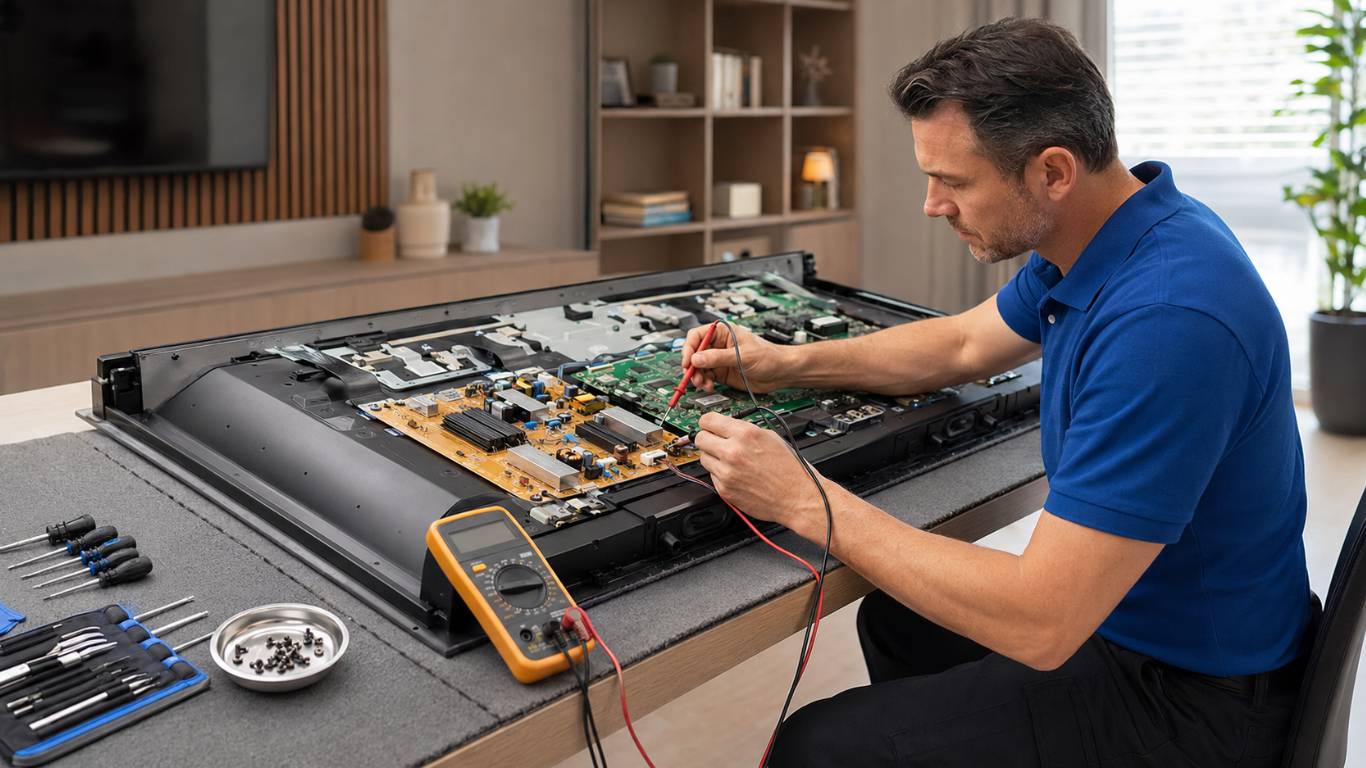
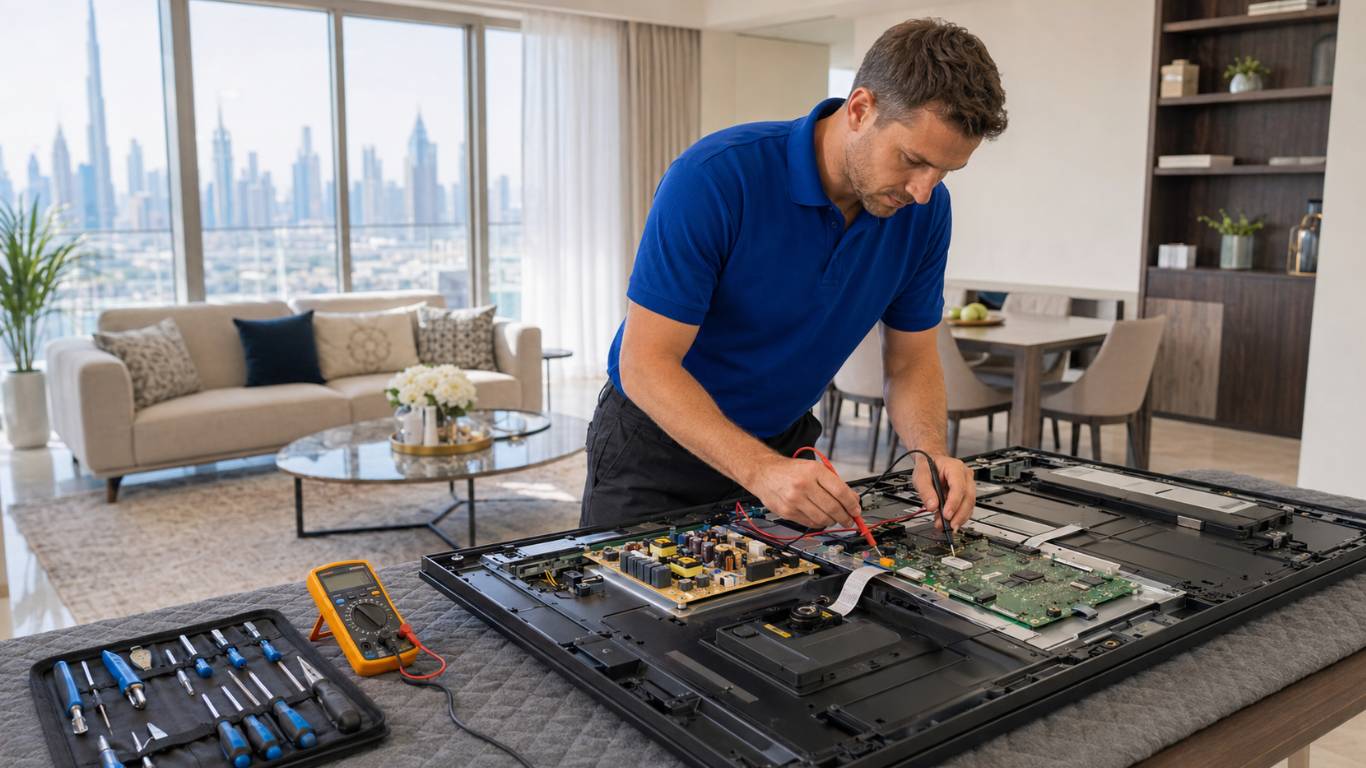
A professional diagnosis begins by checking whether the problem affects every input and application. The technician then determines whether the display is creating a hidden image and whether the backlight is receiving power.
Depending on the TV type and symptoms, the inspection may include:
- Testing the LED backlight strips
- Measuring power-supply outputs
- Checking the T-Con board
- Inspecting the main board
- Examining internal cables
- Testing HDMI and input operation
- Checking software performance
- Assessing the display panel
Testing the television in stages helps identify the actual cause and avoids replacing expensive parts unnecessarily.
Should You Repair or Replace the TV?
The right decision depends on the failed component, the television’s age, screen size, overall condition, and availability of suitable parts. Backlight, power board, main board, and cable faults may be practical to repair. Panel replacement can be more expensive, especially when the screen has physical damage.
Before making a decision, ask for a clear explanation of the fault, proposed work and estimated repair cost. Compare the repair with the television’s age, condition and the price of a suitable replacement. A black screen alone is not enough reason to discard the television. Accurate diagnosis may reveal a smaller and repairable component fault.
How Can You Prevent Future Picture Problems?
Keep sufficient space around the television for ventilation and avoid placing it near moisture, steam or direct heat. Do not cover the ventilation openings behind the unit. Clean the screen with a soft cloth and never spray liquid directly onto the display.
Use secure mounting hardware and handle the panel carefully whenever the television is moved. Connect the TV to a suitable electrical outlet and avoid overloading one extension with several devices. Complete software updates carefully and do not disconnect the TV while an update is installing.
The Power-Supply Board Has Partially Failed
The power-supply board sends different voltages to the backlight, main board, display system and other internal components. A partial failure may allow the TV’s audio and controls to work while preventing the screen from receiving sufficient power.
Power boards contain components that may retain an electrical charge even after the TV is unplugged. Do not remove the rear panel or touch capacitors, wiring and internal connections.
The Main Board Is Not Processing the Picture
The main board receives video and audio information from channels, streaming applications, and connected devices. It then sends this information to the appropriate sound and display components. A faulty main board may allow audio to continue while interrupting the picture signal.
Other symptoms can include slow operation, repeated restarting, unresponsive applications, HDMI problems, or lost Wi-Fi connectivity. Because these issues can overlap with software and power-supply faults, proper testing is necessary before replacing the main board.
The Power-Supply Board Has Partially Failed
The power-supply board sends different voltages to the backlight, main board, display system and other internal components. A partial failure may allow the TV’s audio and controls to work while preventing the screen from receiving sufficient power.
Possible signs include:
- The picture flashes briefly and disappears
- The television takes several attempts to start
- Clicking sounds come from the back
- The standby light flashes repeatedly
- The TV switches off after a few seconds
Power boards contain components that may retain an electrical charge even after the TV is unplugged. Do not remove the rear panel or touch capacitors, wiring, and internal connections.
An Internal Ribbon Cable Is Loose or Damaged
Flat ribbon cables transfer picture information between the main board, T-Con board, and display panel. A loose, damaged, or corroded cable can interrupt the image while the sound continues normally.
Ribbon-cable faults may also cause one side of the screen to become dark, colours to appear incorrectly or lines to develop across the display. These cables and their connectors are delicate. Incorrect handling can damage the display panel or connection point, making the repair more expensive.
Restore the Picture With Accurate Fault Diagnosis
A television that produces sound without a picture may have an input, software, backlight, T-Con board, main board, power supply, cable, or display panel problem. Start with safe checks, including confirming the input, reconnecting cables, and restarting the television.
If the screen remains dark, avoid opening the television or replacing internal components without testing. AtoZ Appliances Repair provides dependable Home Appliance Repair Services in Dubai for residential and commercial customers. A detailed inspection can identify the failed component and help determine whether repair or replacement is the most practical option.